Meta has officially transitioned from per-conversation pricing to a per-message billing model for WhatsApp Business API. This means businesses are now charged based on each message template sent, not entire 24-hour conversations.
If you’re using or planning to use WhatsApp Business API, understanding this new pricing model is essential to control your messaging costs.
WhatsApp Message Templates
In 2025, WhatsApp messages fall under four template categories, and each one has a different cost. In this guide, we break down everything you need to know simple, clear, and business-friendly.
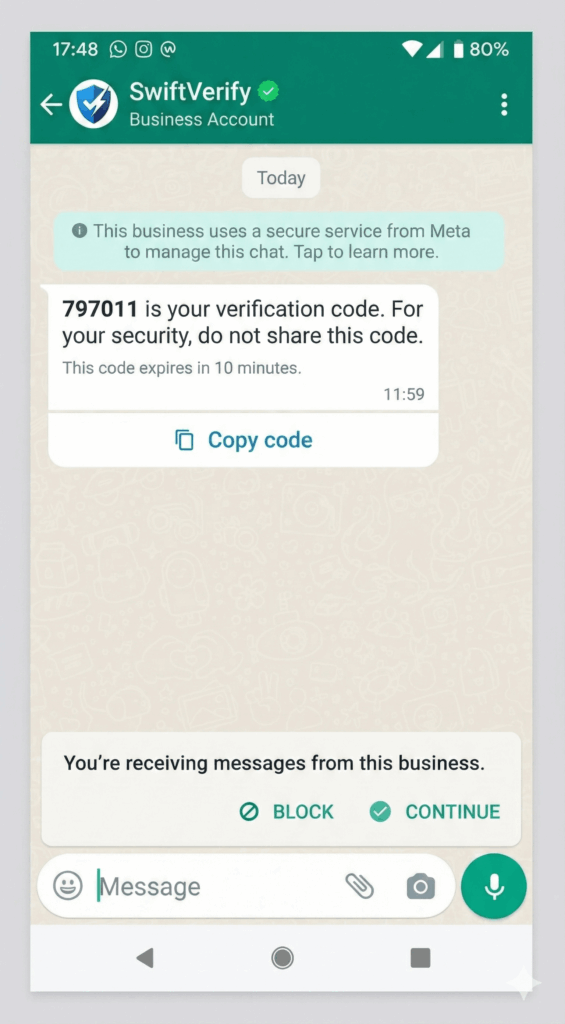
1. Authentication Template
Use for secure, time-sensative action such as;
- One-time password (OTP)
- Login verification
- Account security confirmation
Purpose: Verify identity quickly and safely. Check authentication message price here
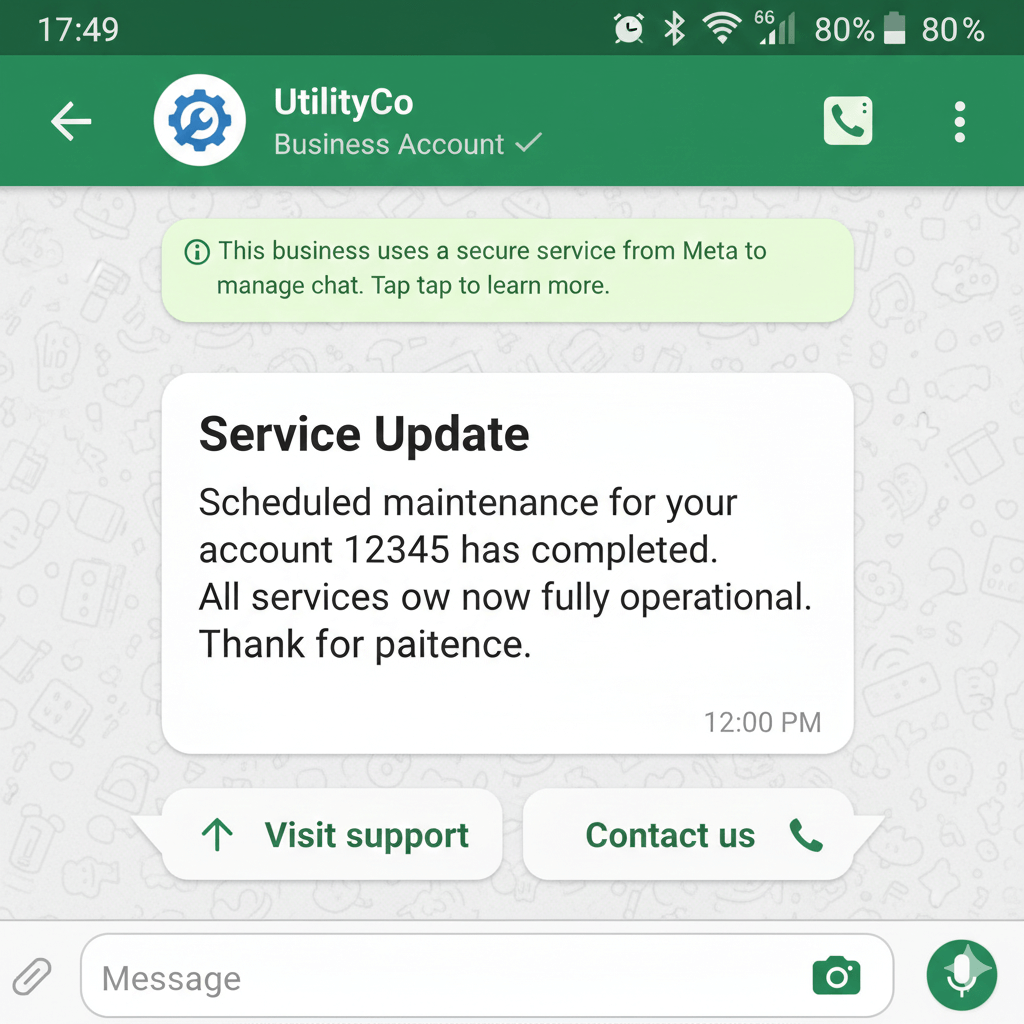
2. Utility Template
These are useful, transactional updates:
- Order Confirmation
- Deliver Updates
- Payment alerts
- Appointment reminders
Special Rule: if you send a utility message with in 24-hour customer window, it is not charged. Check utility message price here
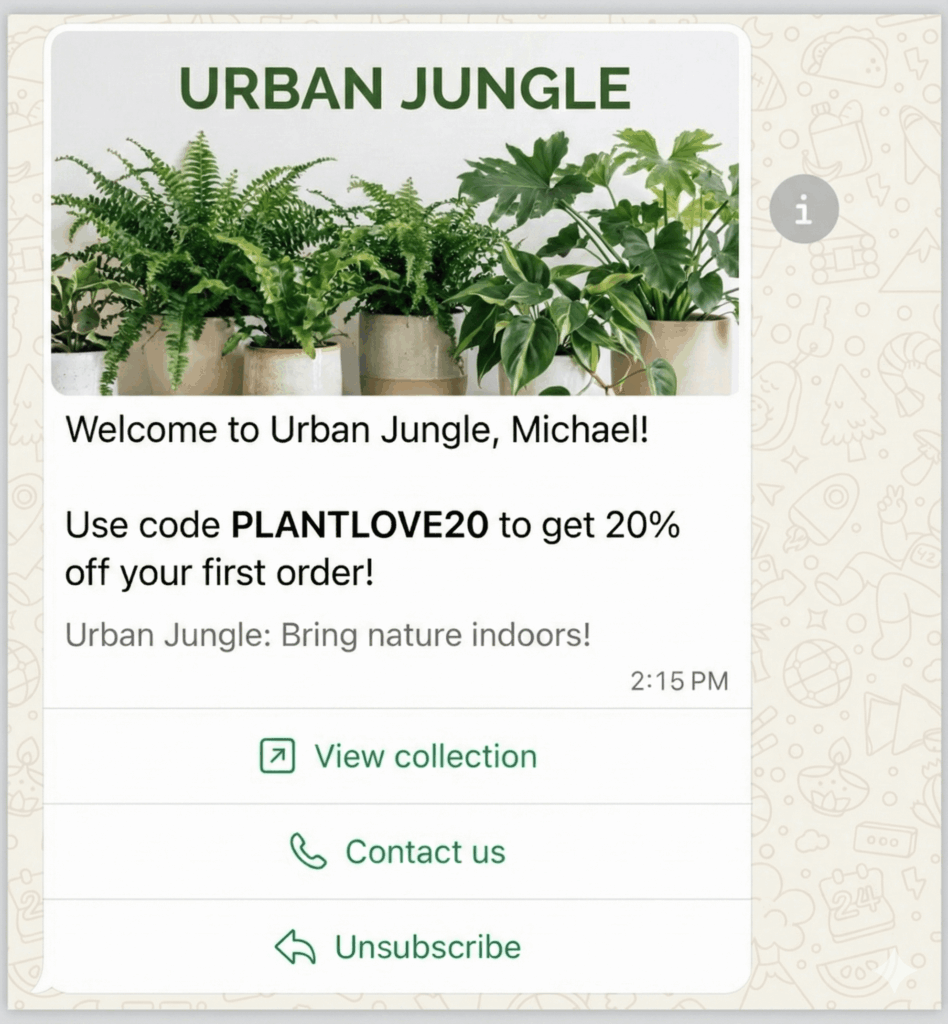
3. Marketing Template
Used for promotional and engagement based communication. Example include:
- Offers and discounts
- Product recommendations
- Re-engagement message
- New arrivals or campaigns
Marketing templates generally have a higher charge compared to utility and authentication templates. Check marketing message price here
4. Service Messages (User-initiated)
When a customer sends you a message first, a 24-hour customer service window starts.
Inside this window:
- You can reply freely.
- You can send media, text and quick replies.
- Utility type messages are free.
Service replies are not charged unless you use a paid template
When you are charge
You are charged only when you send a template message, and the price depend on:
- Template Category
- Customer’s country or region
You can calculate rates for each message based on your needs here
| Template Type | Charged? | Notes |
| Authentication | Yes | Charged per template sent |
| Utility | Yes (unless within 24hrs window) | Free inside customer service window |
| Marketing | Yes | Highest cost category |
| Service | No | Only if responding within 24 hours |
Example scenario for understanding WhatsApp api pricing
Let’s assume these example for UK rates:
- Marketing: $0.0529 per message
- Utility: $0.022 per message
- Authentication: $0.022 per message
🕘 9:00 AM — You send a Marketing Template
You send a promotional offer to a UK customer.
→ Charge applied: $0.0529
🕙 11:00 AM — You send a Shipping Update (Utility Template)
This is a utility message, but since the customer has not messaged you yet:
→ Charge applied: $0.022
🕖 7:45 PM — Customer Replies
Customer asks a question.
Now the 24-hour customer service window opens, till the next day at 7:45 PM.
🕤 Next day, 9:30 AM — You reply with a normal text message
→ FREE
(Inside customer service window)
🕛 12:00 PM — You send an Authentication Template (e.g., OTP)
→ Charge applied: $0.022
(Even inside the service window, authentication templates are always charged.)
Important Note
- All support messages inside the window are FREE
- Utility templates inside the window are FREE
- Authentication templates = charged
- Marketing templates = charged (always)
Final Thoughts
WhatsApp’s new per-message billing model may seem like a big change, but it actually creates a clearer and more predictable pricing structure. Once you understand the template categories, the 24-hour customer service window, and the rule of using only pre-approved templates, the whole system becomes easy to manage.
Use marketing messages wisely, automate your utility and service flows, and you’ll unlock the full potential of WhatsApp Business API for both customer support and business growth.